Today the Raspberry Pi Foundation announced a new model of the Raspberry Pi!
While the new Raspberry Pi looks almost identical to the previous one, it’s much more powerful (and with four cores instead of one) and costs just $35.
Here at Collabora we have worked together with the Raspberry Pi Foundation on optimising WebKit for the first Raspberry Pi, achieving a good browsing experience (notwithstanding hardware limitations) with smooth 720 videos, good responsivity, etc.
Despite this work, a lot of web sites are just incredibly heavy and don’t run too well on the RPi1, so the extra CPU power is very useful. Just look at this video to see the difference in performances between the two Pis.
As I previously mentioned, Collabora has been working with the Raspberry Pi Foundation on various projects including a web browser optimised for the Raspberry Pi.
Since the first beta release we have made huge improvements; now the browser is more responsive, it’s faster, and videos work much better (the first beta could play 640×360 videos at 0.5fps, now we can play 25fps 1280×720 videos smoothly). Some web sites are still a bit slow (if they are heavy on the JavaScript side), but there’s not much we can do for web sites that, even on my laptop with an Intel Core i7, use 100% of one of the cores for more than ten seconds!
The browser is based on Gnome Web (Epiphany) using WebKit 1 (i.e. the non-multi-process version of WebKit).
Our main achievements are:
More responsive UI and scrolling, even under heavy load (like when loading a page)
Progressive tiled rendering for smoother scrolling (as mobile browsers do)
Startup is three times faster
Avoid useless image format conversions
Better YouTube support, including on-demand load of embedded YouTube videos to make page load much faster
Thanks to all the people at Collabora that, at some point or another, helped on this project: Julien Isorce, Emanuele Aina, ChangSeok Oh, Tomeu Vizoso, Pekka Paalanen, André Moreira Magalhaes, Derek Foreman, Gustavo Noronha, Danilo Cesar, Emilio Pozuelo Monfort and Jonny Lamb (I hope I haven’t forgotten anybody!).
Also thanks to the Raspberry Pi Foundation, and in particular to Eben Upton, for their commitment to making browsing on the Pi better, and to Ben Avison for his work on optimising pixman and libav for ARMv6.
Update: people have reported a few bugs since the release, in particular a problem with Raspbian configured to use 24-bit or 32-bit mode for graphics. We should be able to fix this in a week or so.
Another problem is that Vimeo videos stopped working. This seems to be due to a change made by Vimeo that broke playback also on other browsers and on Android.
In the last year or so, Collabora has been working with the Raspberry Pi Foundation on a web browser and on Wayland. See Daniel’s and Pekka’s blog posts about their Wayland work.
To make Wayland on the Raspberry Pi actually usable, we needed a shell, but lightweight desktop environments (like LXDE) don’t support Wayland and normal desktops (like Gnome and KDE) are just too heavy.
This meant we ended up writing our own shell based on Tiago Vignatti’s gtk-shell, so Maynard was born!
Maynard is far from complete, but it’s already starting to take shape nicely. Its goals are to be functional, light and pretty, so it will never see some of the features one might expect from Gnome or KDE for instance.
The main current limitations are:
No XWayland support, so non-Wayland applications cannot run (issue #1).
GTK applications take too long to start (issue #2).
Active apps are not shown in the panel (issue #3).
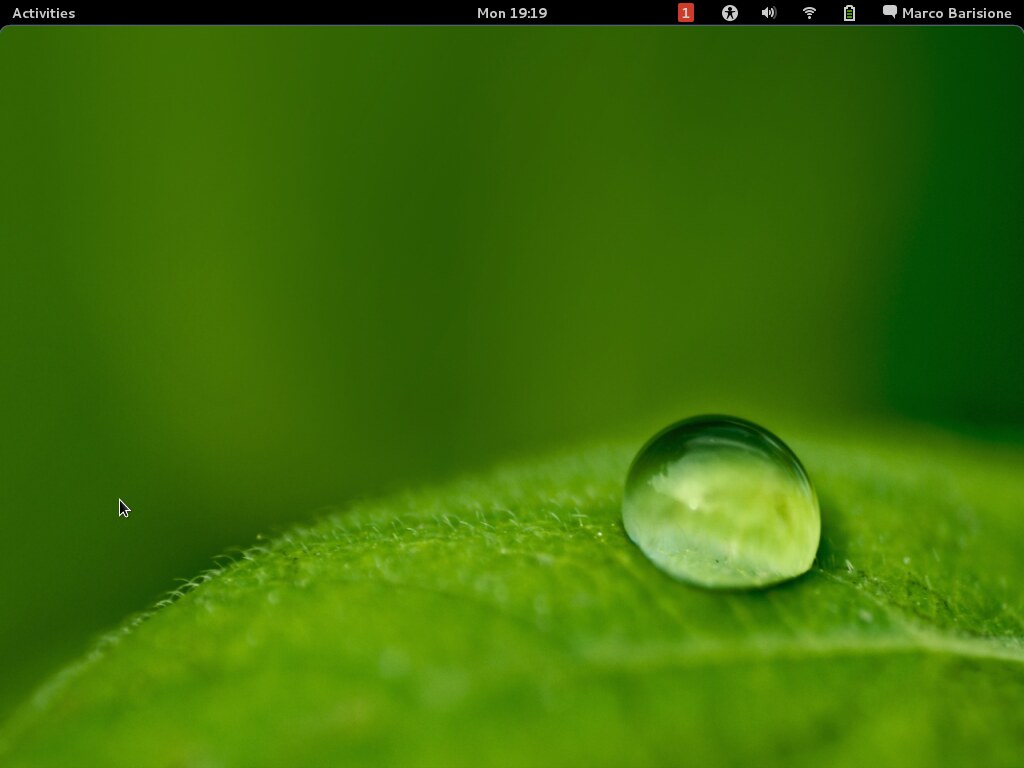
No configurability (issue #7). I hope you like the background from kdewallpapers we use as you cannot change it for now 😉
Two years ago the first version of GNOME Online Accounts (GOA) was released and Empathy got the ability to use the GOA accounts that supported chat. This feature was a bit incomplete as you could configure Google and Facebook accounts in the control center (through GOA), but the other accounts could only be configured directly in Empathy. Similarly, you could use, but not modify, GOA accounts in Empathy. This problem was not fixed before as it required a lot of work, even if (from a user point of view) it was just a matter of moving some UI around.
In the last month at Collabora I worked hard on fixing this issue (and it took more than 160 patches in several components) and now you can configure every type of IM account in the control center.
All of this was done without breaking compatibility. If your program uses the Telepathy API nothing will change; if your program uses the GOA API then it will also able to handle Telepathy accounts.
This was also a good chance to fix several UI issues (mainly misaligned widgets and too much/too little spacing between widgets), see what the old UI looked like.
Adding a new account in GNOME Control Center (click for a bigger version)
Personal Details dialog (click for a bigger version)
Thanks to Emanuele for starting the job, Rishi and Guillaume for the help and the reviews, Allan for the designs, and Intel for sponsoring the bulk of the work.
I uploaded new versions of my two extensions (Message Notifier and Boss Mode) to extensions.gnome.org. To update, just visit the extension pages and click on the update button next to the on/off switch.
Notifications coming from Empathy and XChat-GNOME
Sorry if it took a while, but Debian (even unstable) is still using Gnome 3.4.
Yesterday I was discussing a bug in some code using a GHashTable with Will and we both started to wonder if there is any reason to use g_hash_table_insert instead of g_hash_table_replace.
First of all an example, look at this code and try to find the bug.
If it’s not clear where the bug is, try invoking the program with “apples=42 Pears=12 APPLES=10” on the command line.
If a key already exists in the hash table, the key passed to g_hash_table_insert is destroyed and you cannot use it afterwards. This behaviour is documented, but it’s easy to find code affected by this bug. g_hash_table_replace behaves like g_hash_table_insert, but without this problem.
Is there any good reason for using g_hash_table_insert instead of g_hash_table_replace? Can you come up with a non-contrived example where you want the behaviour of the former?
Recently I didn’t have much time to hack on Message Notifier, but luckily Guillaume Desmottes ported it to Gnome 3.6. This version also changes the shortcut to open the menu from Win+M to Win+L, as the former is now used by the shell.
To update, just visit the extension page and click on the update button next to the on/off switch.
Yesterday I released a new version of my message notification extension for gnome-shell (3.2 and 3.4), to install it or to update it just visit its page on extensions.gnome.org.
The main feature in the new version is that it just handles notifications coming from well-known applications: Empathy, XChat, XChat-GNOME, Pidgin and notify-send. Handling the Empathy notifications is easy because they are well integrated with the shell, but the other notifications required some hack because all the applications handle notifications in different ways. I did my best to make the notifications as useful as possible, similar to the Empathy ones, but there are some small limitations.
Some of the handled applications require plugins to show notification bubbles:
Pidgin: Click on the “Tools” menu and then “Plug-ins”. Make sure that the “Libnotify Popups” plugin is enabled. If the plugin is not in the list it means you need to install it. On Debian the package is called “pidgin-libnotify”, other distros should have a package with a similar name.
XChat-GNOME: Click on the “Edit” menu and then “Preferences”. In the “Scripts and Plugins” tab make sure that “On-screen display” is enabled.
XChat: Click on the “Settings” menu and then “Preferences”. In the “Alerts” tab make sure that “Show tray baloons” is enabled for both “Private Message” and “Highlighted Message”. If the notifications pile up in the bottom right corner of your screen and clicking on them does nothing, it means that XChat is using notify-send because it cannot find libnotify. I don’t know how to fix this issue on different distros, but I found a Red Hat bug explaining the problem.
Notifications coming from Empathy and XChat-GNOME
Is there any other common application that you would like to be handled by my plugin? The only prerequisite is that they somehow use standard notification bubbles (and this means I cannot implement it for Skype).
A few months ago I wrote a gnome-shell extension that shows how many conversations with unread messages you have, so that I could stop missing incoming messages.
I updated the extension so it now works better and it can also show what the incoming notifications are when you press the icon. You can get the new version (and install it with just two clicks) from extensions.gnome.org. If you previously installed the extension from git and you don’t have an update button on that page it could mean you need to first manually remove ~/.local/share/gnome-shell/extensions/message-notifier@shell-extensions.barisione.org/ and reload the shell (ALT-F2 and then type “r”).
Note that the extension shows the number of conversations with new messages and not the number of messages; I don’t like seeing “2” up there if somebody just wrote me “hi” and then “how are you?”.
There is still a major problem with the extension. I wanted to be able to also see if somebody pinged me on IRC (I’m a XChat-GNOME user) so I don’t limit the count to active chat conversations, but I consider all the active notifications. I find this very useful to avoid missing something, but it means that the red icon will also appear every time banshee or rhythmbox change song. Suggestions on how to solve this?
Changing completely topic, I recently moved to a new home and, having a nice new kitchen (with dishwasher), I started cooking a lot again. I decided to start a new cooking blog called gnocchialpesto.co.uk to keep track of my recipes and share them with others. If you like food, in particular Italian one, take a look at it .
Gnome 3 and the shell look really great, but there are a few things that annoy me. My main complaint is that I keep missing IM messages because there is no visual clue that you got a message (unless you are staring at the bottom of your screen exactly when you receive something).
This problem will probably be fixed in the next version of Gnome, see bug #641723, but I wanted something now. That’s why I wrote a simple extension that just displays the number of conversations with unread messages. To install it, just clone the git repository and execute “make install”.
Spot the difference
The extension is unpolished, it does very little, the code is horrible and I didn’t pay any attention to usability; I just wanted a quick fix while waiting for upstream to fix the bug properly. Nevertheless, I hope this code will be useful for other people too!


 .
.
 Marco Barisione's blog